If you’ve ever sat in a meeting and nodded along while someone said “let’s get the wireframes over to the client” and then quietly wondered whether that meant the same thing as a mockup, you’re not alone.
These three words get used interchangeably all the time, and it causes more confusion than it should, especially when you’re trying to brief a designer or understand what stage a project is actually at. Each one does a different job, and they happen at different points in the design process. Get them mixed up and you can end up approving something you think is final, when really it’s just a rough sketch of where things might go. So let’s clear it up properly.
Wireframes: the skeleton
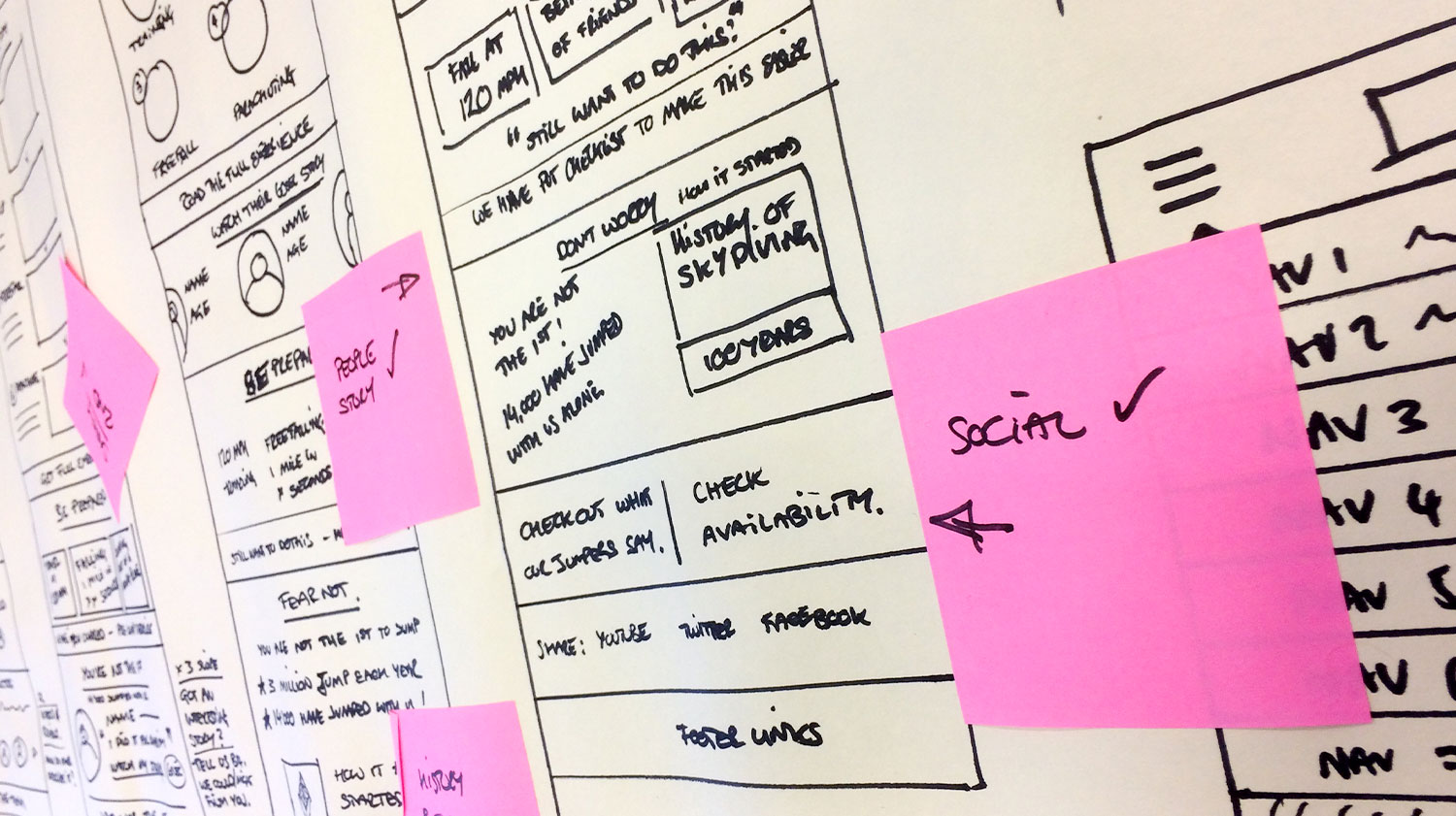
A wireframe is the most basic version of a design you’ll see, and that’s exactly the point. It’s black, white, and grey, with no fonts chosen, no colours picked, and no imagery in sight. What you’re looking at is pure structure, showing where every element will sit on the page before anyone’s decided what it should look like.
Think of it as the floor plan of a house. You can see where the kitchen is and where the bedrooms go, but you’ve got no idea yet what the walls will be painted or what the furniture looks like. That’s deliberate, because wireframes exist to answer one question: does the layout make sense? Is the important stuff in the right place, and does the page flow the way a visitor would expect it to?
We use wireframes early on because they’re quick to change. If a client wants the navigation moved or a whole section reordered, that’s a five-minute fix at this stage, not a redesign.
Prototypes: the test drive
Once the structure’s agreed, a prototype takes things a step further by making that structure clickable. This is where you start to feel how the product actually works, rather than just looking at where things sit. You can tap a button and watch it lead somewhere, scroll through a flow, and get a sense of the transitions and interactions a real user would experience.
Prototypes are still mostly unstyled, or only loosely styled, because the focus here isn’t how it looks, it’s how it behaves. Does the user-flow make sense from start to finish? Does clicking “checkout” feel natural, or does it send someone down a confusing path with too many steps? This is where you catch the problems that only show up once something’s actually moving.
It’s also the stage where you can put a design in front of real people and watch them use it, which tells you far more than any amount of discussion ever could.
Mockups: the finished look
A mockup is where the visual design finally comes together. This is the stage with actual colours, chosen typography, real images, and icons that match the brand, giving you a proper sense of how the final product will look and feel. If a wireframe is the floor plan and a prototype is the test drive, the mockup is the show home, fully dressed and ready to view.
Mockups are usually static rather than clickable, because by this point the structure and the flow have already been worked out and agreed. The job now is purely about appearance, making sure every visual detail earns its place and reflects the brand properly. This is often the version that gets shown to stakeholders for sign-off, because it’s the closest thing to what the finished product will actually look like.
Why the order matters
Skipping stages is where things tend to go wrong. Jump straight to a polished mockup without wireframing the structure first, and you risk falling in love with how something looks before you’ve properly tested whether it works. Skip the prototype stage and you might launch something that looks brilliant but confuses users the moment they try to click through it.
Each stage builds on the one before it, and each one is cheaper to change than the next. That’s really the whole point of doing it this way, not because it’s the “proper” process, but because it saves you from expensive rework further down the line.
If you’re staring down a project and you’re not sure which stage you’re actually at, that’s worth sorting out before you go any further, so get in touch and we’ll talk it through with you.